
Video Production
20 Free ULUC FX Transition Presets for Premiere Pro
Flashes, negatives, thunder and chromatic blur: the 20 ULUC FX transition presets we use in our own edits, free to download. Watch each one loop below.
Some cuts don't want a quiet transition. A flash on the beat, a split-second negative or a lightning-style flicker can lift the energy of an edit in a single frame. The ULUC FX pack was made for exactly those moments.
It holds 20 transitions: flash flickers, negative effects, the Thunder series, a chromatic directional blur, the black-and-white Shakey Extractor, plus prism zoom, neon outline, liquid melt, kaleidoscope, red duotone, star glint, vortex, pixel and light-trail zoom transitions. Each one works on a single adjustment layer over the cut and uses only Premiere Pro's own effects. No plugins needed.
Every preview below was rendered in Premiere on the same two shots with the presets left untouched, so you can compare the transitions side by side.
How to Use Them
- Unzip the file. In Premiere Pro, right-click the Presets folder in the Effects panel, choose Import Presets and select
ULUC_FX_ALL.prfpset. A ULUC FX folder appears under Presets. - Place an Adjustment Layer on the track above the cut between two clips. Make it as long as the frame count in the preset name (Flashy series 6, Thunder 8, Shakey Extractor 10 frames) and center it on the cut.
- Drag one of the presets onto the layer.
For rendering, choose GPU acceleration (CUDA, OpenCL or Metal) under Project Settings; in Software Only mode some presets can freeze. When you stack fast-flash transitions, think of viewers who are sensitive to light: try to stay under three flashes per second.
FX Preview Catalog
Each preview plays the same transition twice: from shot A to shot B, then back to A. Transitions with fast flashes do not autoplay; tap them to start.
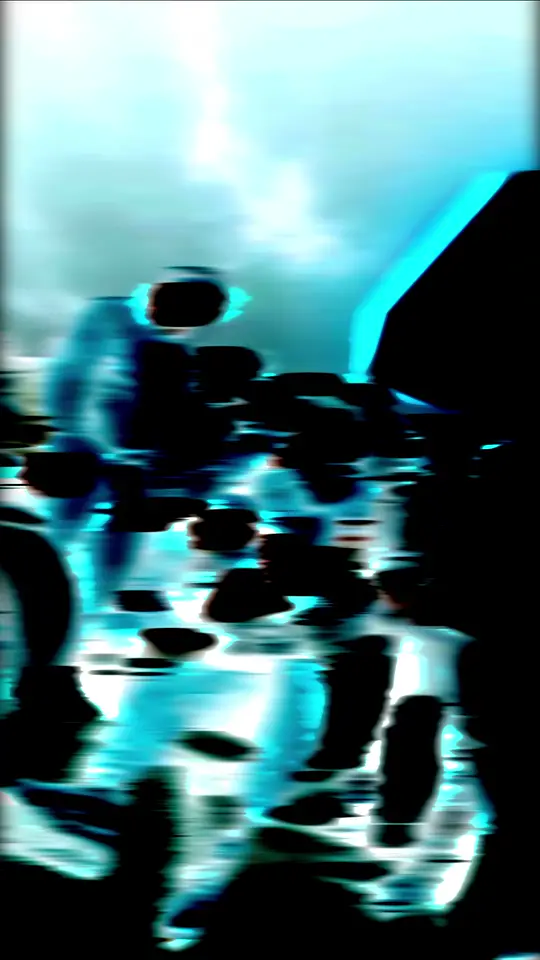
UF01
Flashy Flicker
A flicker between blackout and glare, with blur and lens bend. 6 frames.
UF02
Flashy Flicker V.2
A hard flicker with a white flash, negative and directional blur. 6 frames.
UF03
Flashy Flicker V.3
V.2 with a black-and-white extract: a graphic, high-contrast flicker. 6 frames.
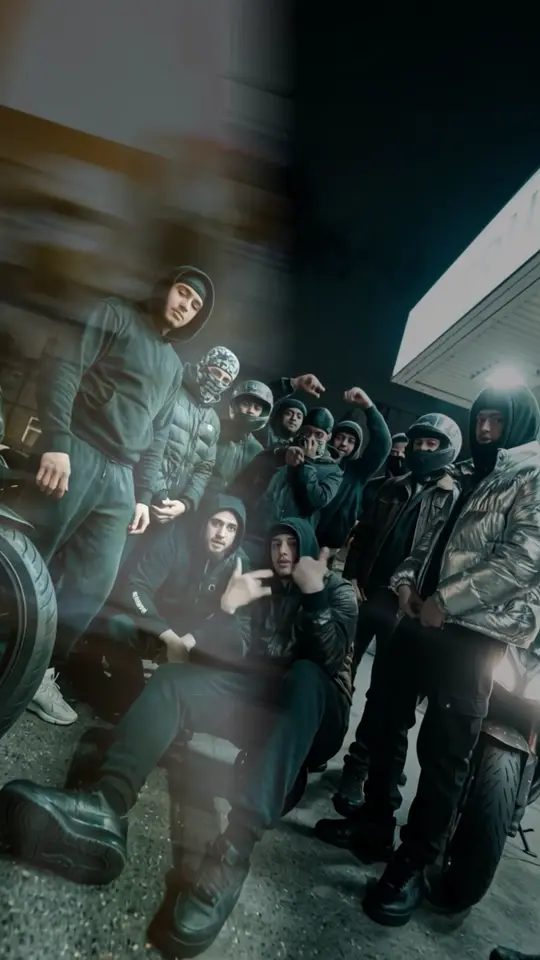
UF04
Flashy Blur V.6
Lens bend, rough edges and negative layers in a blur that bursts to white. 6 frames.
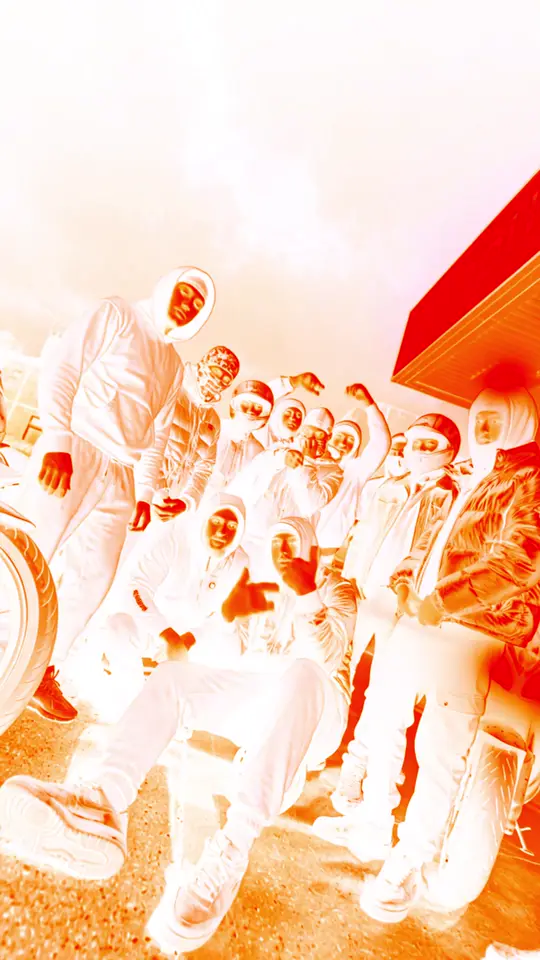
UF05
Flashy Invert Flicker V1
A negative flicker that inverts the colors and burns them warm. 6 frames.
UF06
Legacy Flashy Invert V2
A simple transition that blinks to a blurred negative a few times. 6 frames.
UF07
Chromatic Direction Blur
Directional blur with color split that bursts to white. 6 frames.
UF08
Thunder V5
Negative flashes in quick succession, like lightning. 8 frames.
UF09
Thunder V6
Thunder V5 with added camera movement. 8 frames.
UF10
Legacy Shakey Extractor
A graphic transition with black-and-white extract, mirror copies and a vertical shake. 10 frames.
UF11
Chromatic Thunder
Chromatic Direction Blur stacked with Thunder V6: rainbow blur plus flash. 6 frames.
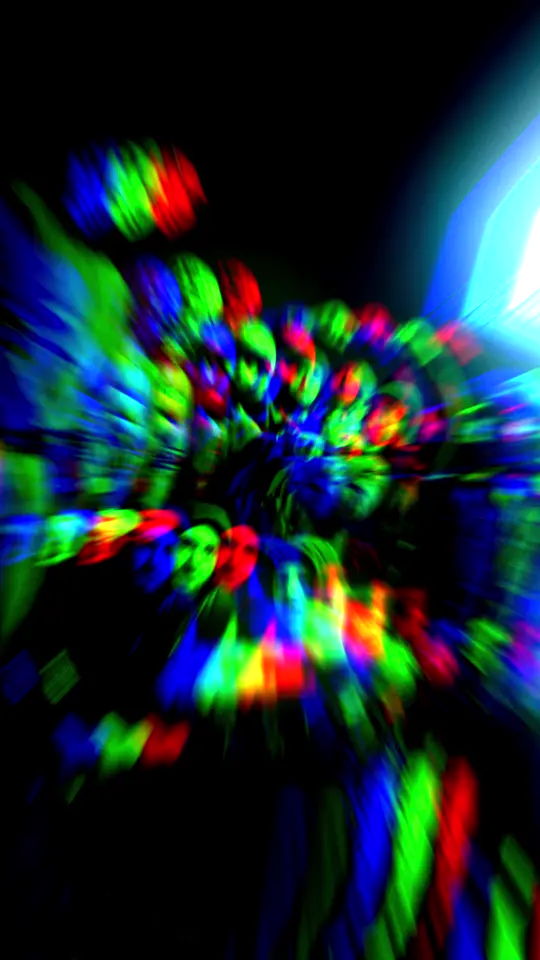
UF12
Prism Punch Flicker
Hard punch zoom; prismatic RGB split flickers frame by frame, one orange-burned negative frame before the cut. 9 effects, 6 frames.
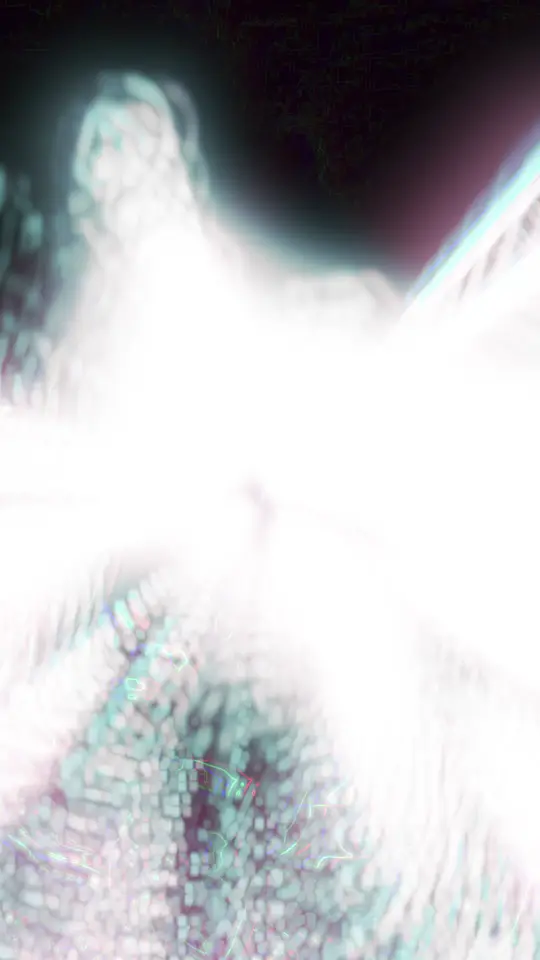
UF13
Neon Edge Flicker
Flickers between the shot, its negative and glowing magenta edge lines on black; cyan echo glow. 8 effects, 6 frames.
UF14
Liquid Extract
Turbulence melts the frame while it snaps between a navy-white threshold, its negative and a blue bloom. 8 effects, 6 frames.
UF15
Kaleido Flash
Four mirrors fold the frame into a kaleidoscope; negative flash, RGB split and white bloom on the cut. 10 effects, 6 frames.
UF16
Duotone Strobe
Strobes between a red-black duotone and its cyan negative; pixel blocks and blur on the negative frames, grain. 8 effects, 6 frames.
UF17
Pixel Invert Snap
The frame breaks into coarse pixel blocks that alternate positive and negative, with RGB shift and zoom. 8 effects, 6 frames.
UF18
Vortex Negative
A hard vortex twists the outgoing shot one way and the incoming one the other; negative frames, RGB split, echo glow. 8 effects, 6 frames.
UF19
Echo Burn Zoom
Hard zoom with glowing echo trails and an orange channel burn like a flash negative; lens bend and grain. 8 effects, 6 frames.
UF20
Mirror Thunder
A mirror flips the frame left-right every frame while warm negative flashes, RGB split and blur hit like thunder. 8 effects, 6 frames.
- Premiere Pro
- transition presets
- video editing
- Reels editing
beyworks team
A creative agency bringing strategy, production and digital growth under one roof.
Related Posts
How to Create an FPV Feel Without Flying a Drone
We produced the ATASAY Tema World video without a drone shoot, using real photos of the location. Every decision in the process, plus a free 24-page guide.
Read the PostAn FPV Prompt That Builds the Building as You Fly
The effect architecture promos love: the building assembles as golden wireframe while the camera climbs. A copy-paste 15-second FPV prompt plus adaptation notes.
Read the PostWhy Presenter-Led Content Builds More Trust
Two videos, same budget, very different results. How content with a face actually works, three formats worth using, and how to start without a presenter.
Read the Post